How to Manage Sensitive Information Across a Project Team


Projects often bring together people who need access to the same files, conversations, and systems to keep work moving. The challenge comes when some of that information should only reach certain team members. A shared folder might contain customer records, financial figures, login details, or plans that your company has not announced yet. Everyday habits can create problems surprisingly quickly, from forwarding an email to the wrong person to leaving an old contractor with access to a project workspace. You can reduce these risks without making collaboration unnecessarily difficult by building sensible safeguards into the way your team already works.
Decide Who Actually Needs Access
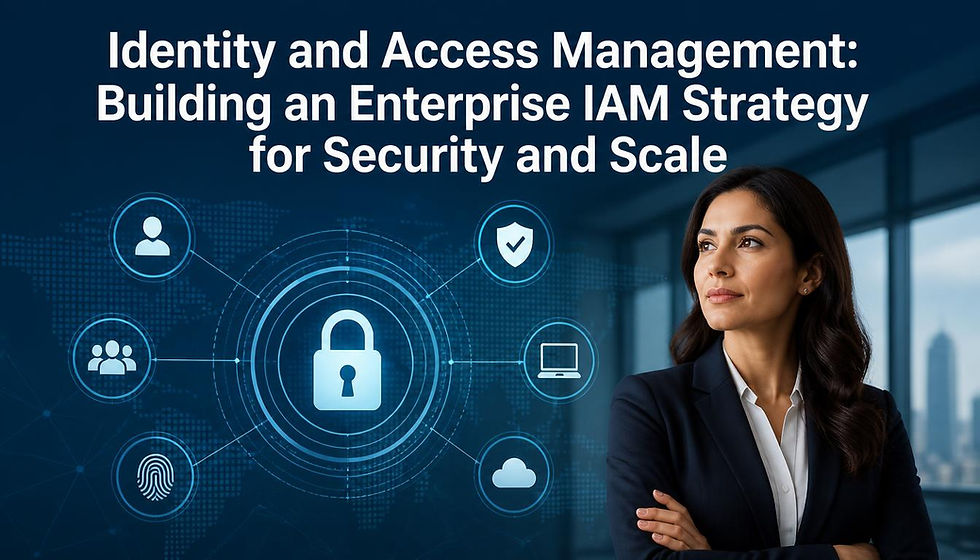
Not every person working on a project needs to see every document. You should give team members access according to what they need for their role rather than opening the entire project workspace by default.
For example, a freelance designer might need your brand assets and product images but have no reason to see customer information or internal budgets. Separate those materials into different folders and restrict access accordingly. Platforms such as Microsoft SharePoint and Google Drive let you manage permissions at folder and file level. Review those permissions when responsibilities change too, particularly when someone leaves the project, so old access does not quietly remain in place.
Protect Information When People Work Remotely
Project information often moves beyond the office as people work from home, hotels, client sites, or shared workspaces. Public Wi-Fi can introduce unnecessary risk, especially when someone connects without considering who operates the network.
Encourage your team to use trusted networks and company-managed devices whenever possible. If people regularly work while traveling, your security process may also require a VPN to protect data traveling between their device and approved company systems. Multi-factor authentication adds another practical layer because a stolen password alone will not normally give someone access to an account.
Keep Sensitive Conversations in the Right Place
A project can easily spread across email chains, chat platforms, personal messages, and informal conversations. That makes it harder to control who can see sensitive details and where copies of that information end up.
Set clear expectations about which communication tools people should use for confidential discussions. If your team uses Microsoft Teams, for instance, keep project conversations in the appropriate private channel instead of copying information into personal messaging apps. When you need to share a sensitive file, send a controlled link with appropriate permissions rather than attaching another copy to a long email chain.
Build Information Checks Into the Project
Security should continue throughout the project rather than become a task you only consider at the beginning. Team members change roles, external partners finish their work, and documents can become more sensitive as a project develops.
Add a short information-access review to regular project checkpoints. You might review permissions monthly during a six-month project and perform another check whenever somebody joins or leaves. Look at who can access key folders, whether external sharing links still serve a purpose, and whether completed files need archiving. These small checks help you catch outdated permissions while the project remains manageable instead of discovering them months later.